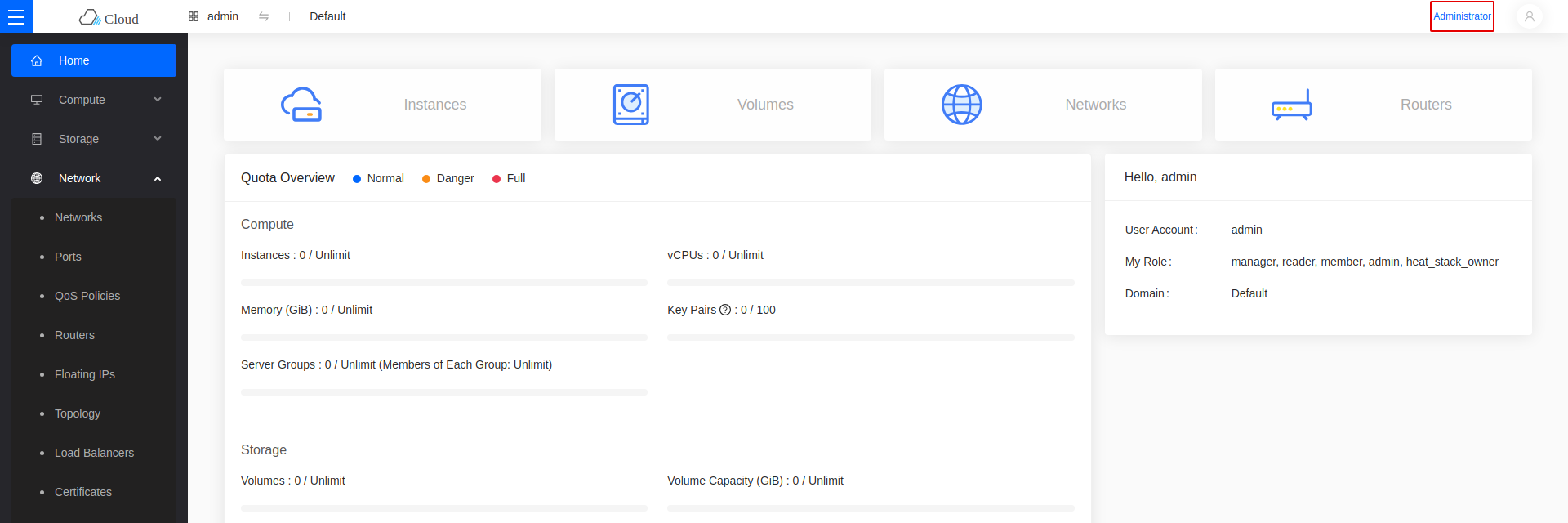
Getting Started with the Dashboard
PCC v4 deploys two dashboards. Both accept the same credentials and talk to the same OpenStack APIs, so a change made in one appears in the other.
| Dashboard | URL | |
|---|---|---|
| Horizon | https://<VIP>:9999 | Default |
| Skyline | https://<VIP> |
Horizon is the default: it is what the dashboard link in OpenMetal Central opens. See Change the default dashboard to switch to Skyline.
Every dashboard procedure in this manual is shown for both. Pick a tab and the rest of the page follows your choice.
Log in to OpenMetal Central
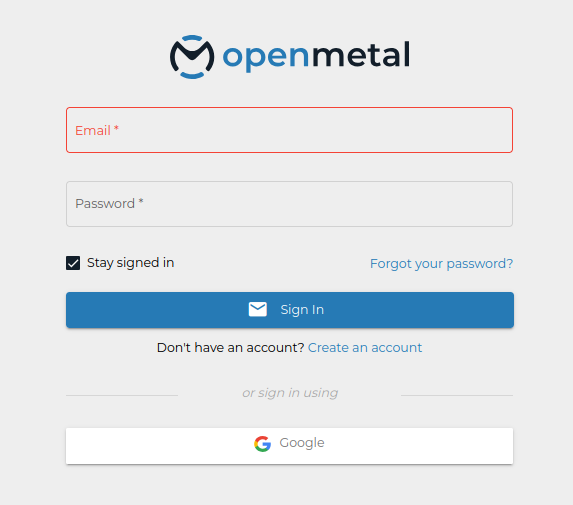
Sign in at OpenMetal Central.
Open your cloud's details page
Select your cloud in the left sidebar, then open Overview.
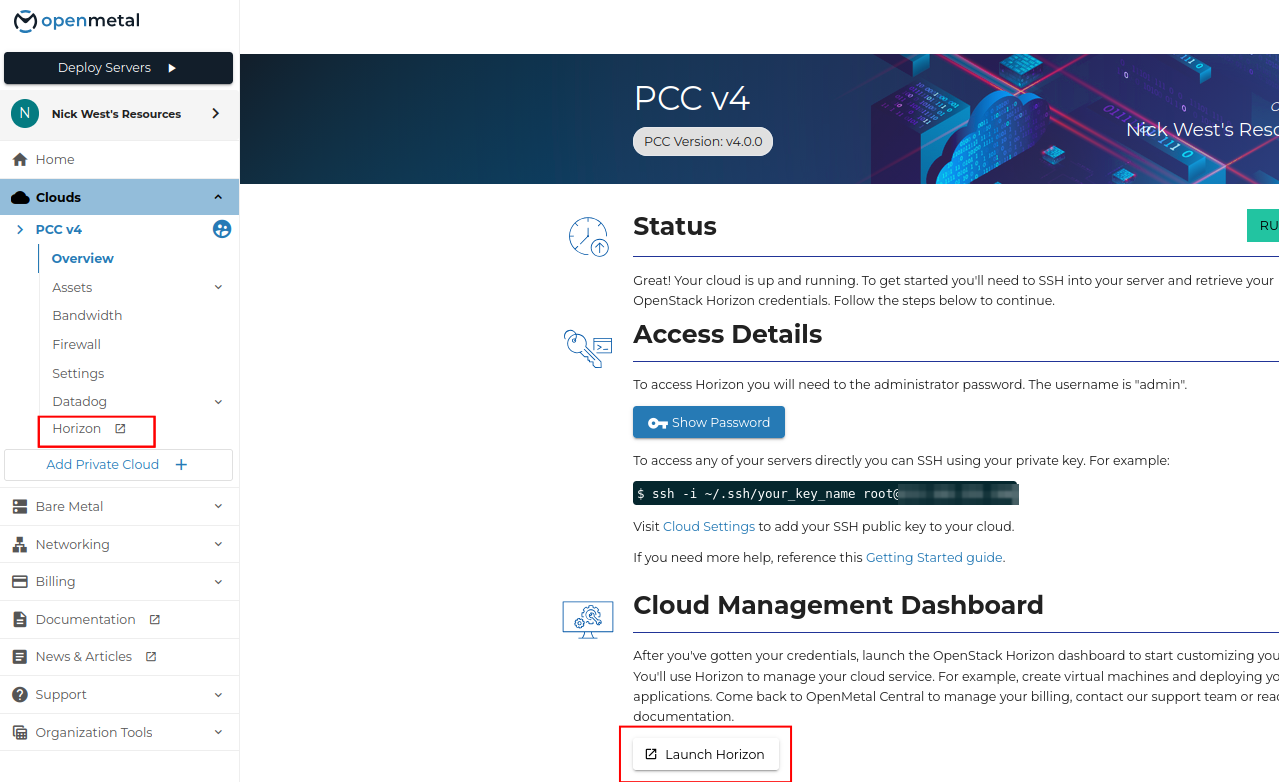
This page carries the access details, the SSH example for your nodes, and the dashboard link.
Obtain the dashboard password
Under Access Details, click Show Password. The username is admin.
To read it from a control plane node instead:
grep keystone_admin_password /etc/kolla/passwords.yml
Find the dashboard URL
Two places open the dashboard:
- The dashboard link under your cloud's entry in the left sidebar.
- The Launch button in the Cloud Management Dashboard section of the Overview page.
Both are labelled with whichever dashboard is currently selected, and both open that one.
To reach the other dashboard without changing the selection, go to its URL directly.
Change the default dashboard
Open Settings for your cloud. Under Cloud Configuration -> OpenStack Dashboard, choose Horizon or Skyline.
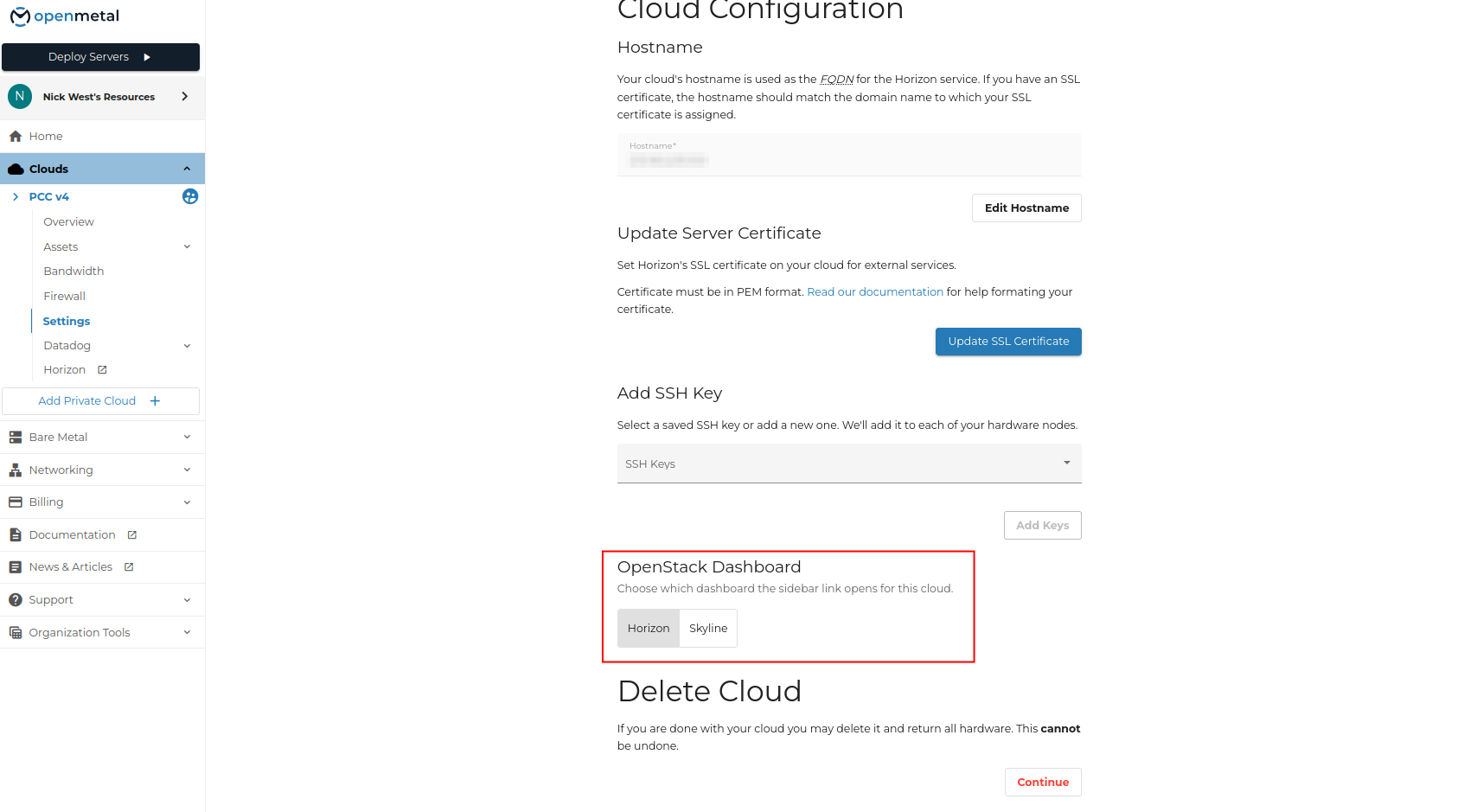
The setting controls which dashboard the sidebar link opens. It does not stop the other one from running — both stay reachable at their own URLs.
Log in
- Horizon
- Skyline
Open https://<VIP>:9999.
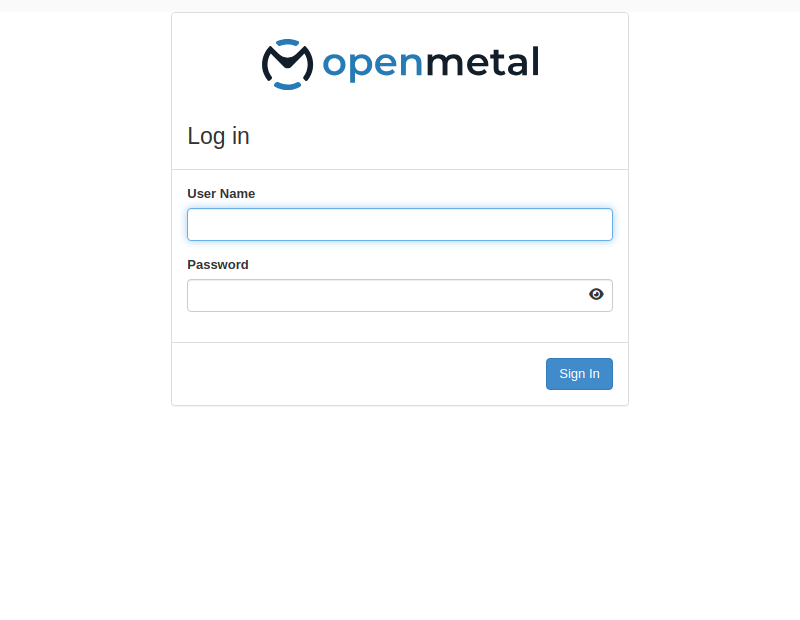
Enter the username admin and the password.
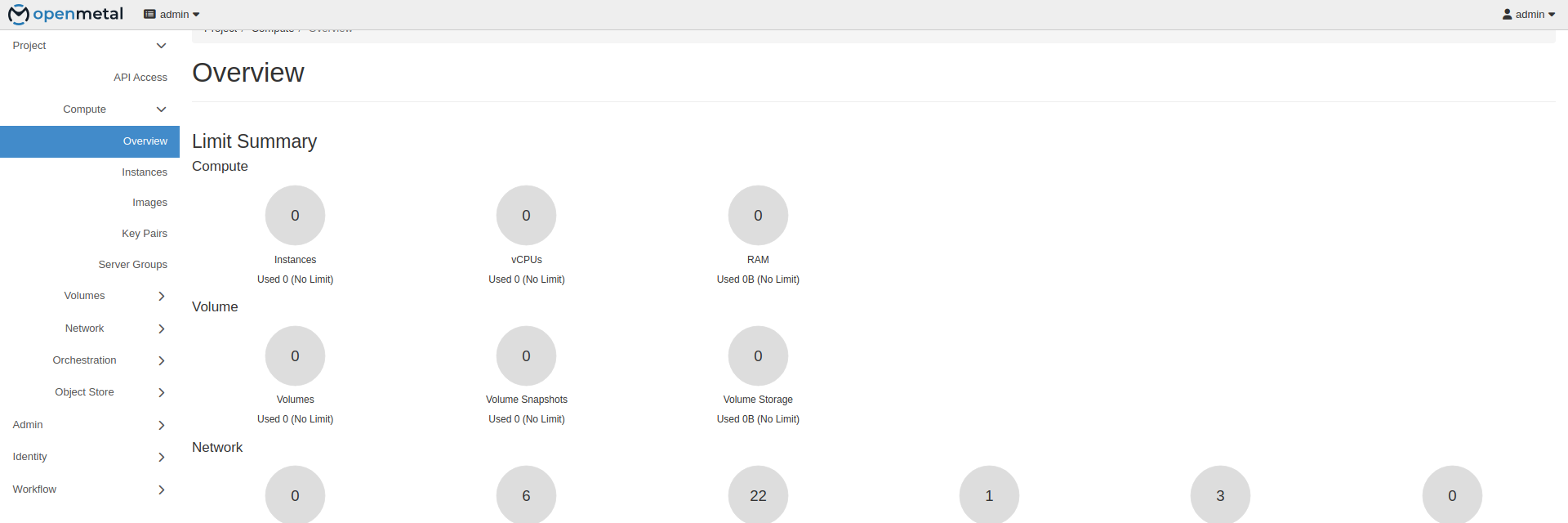
The overview page shows quota usage for the current project.
Open https://<VIP>.
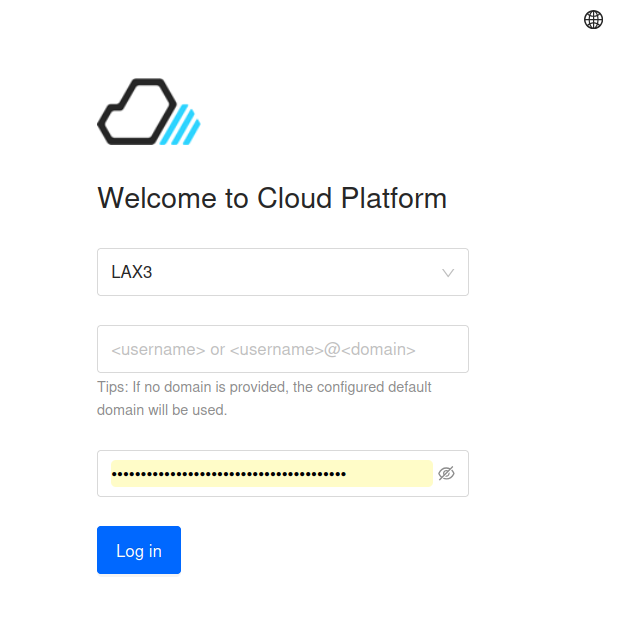
Pick the region, then enter the username admin and the password. Leave the domain off to use the default domain.
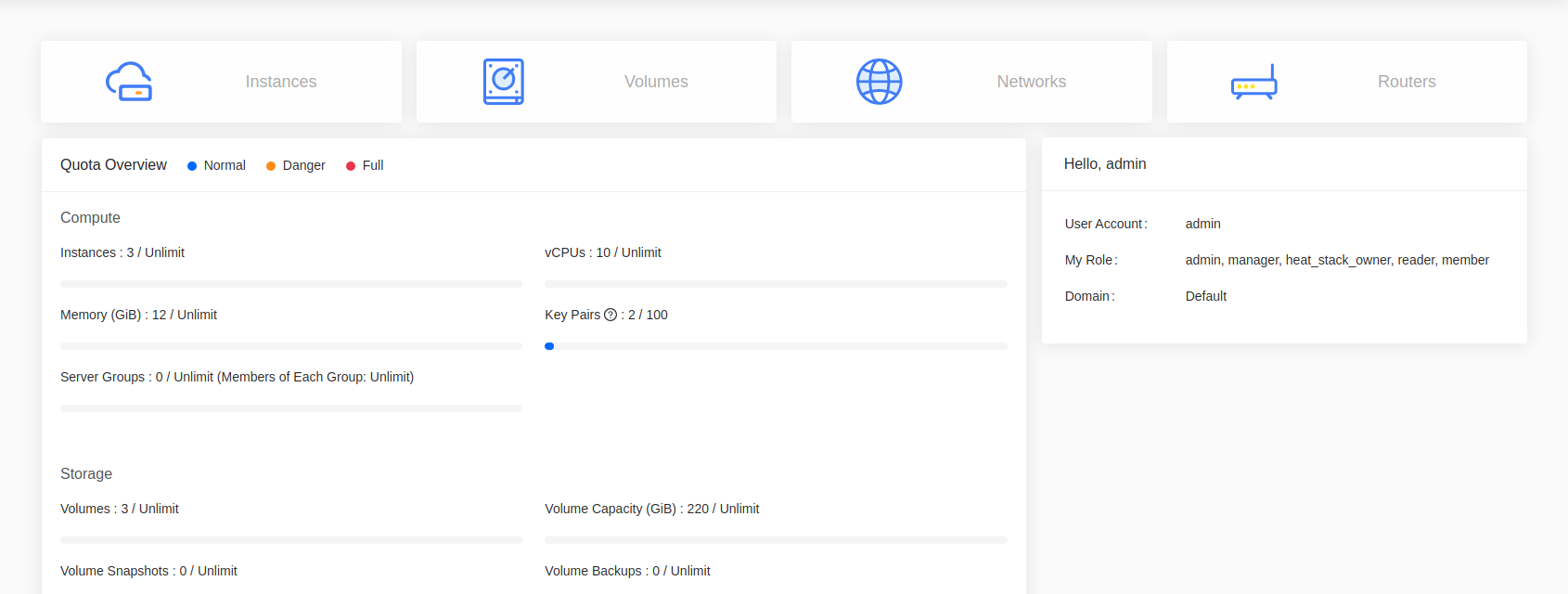
The home page shows quota usage for compute, storage, and network.
Consoles and navigation
- Horizon
- Skyline
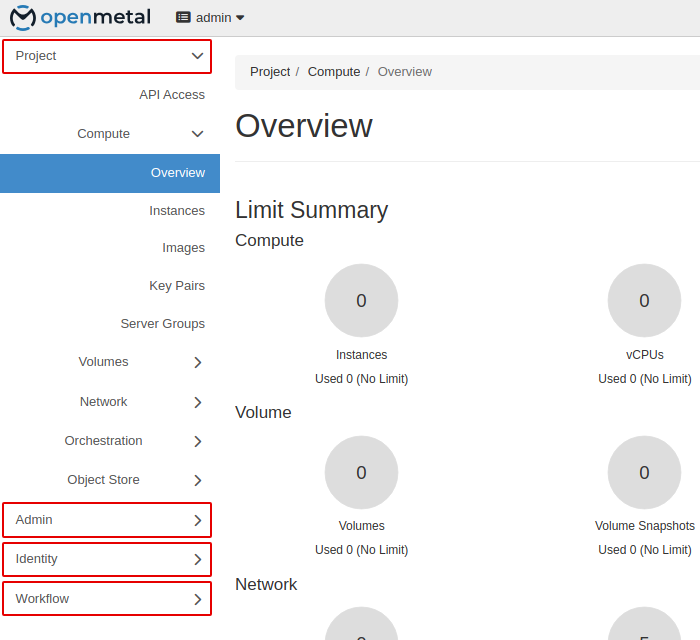
Horizon groups work under sections in the left sidebar:
- Project — instances, volumes, networks, stacks.
- Admin — hypervisors, host aggregates, system information.
- Identity — projects, users, roles.
- Workflow — Mistral workbooks, workflows, and executions.
Skyline separates tenant work from administration:
- Project console — instances, volumes, networks, stacks. The default view.
- Administrator console — projects, users, roles, hypervisors, system info.
Switch between them with the Administrator link in the top right.